Printed QR codes that stop working aren't bugs — they're business models
June 8, 2026 · 9 min read
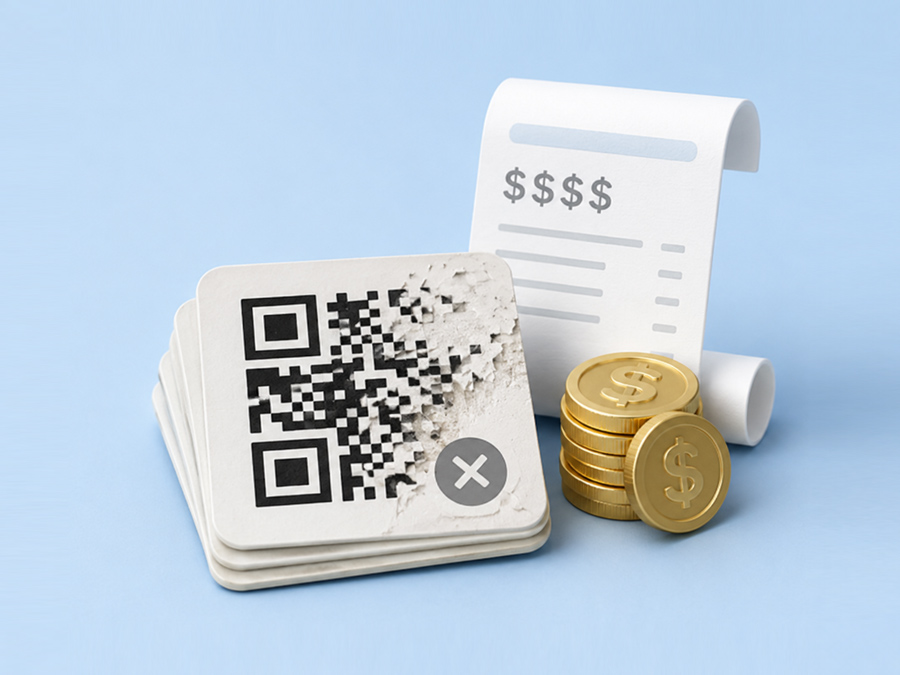
You scan your QR code and nothing happens. Or it opens a page that says "subscribe to continue." Or it just loads a 404 error. Whatever the symptom, the result is the same: your QR code is broken, and if it's already printed on something, you have a problem.
Here are the seven most common reasons QR codes stop working, ordered from most likely to least — and how to fix each one.
1. Your free trial expired
This is the most common cause by far. If you used a dynamic QR code generator with a free trial, your code probably worked through a redirect on the generator's servers. When the trial ended, they turned off the redirect.
What you'll see: scanning shows a "subscribe to reactivate" page, a generic landing page, or nothing at all.
How to fix it:
- Quick fix: Pay the subscription to reactivate. This works but costs $100–$200/year and rewards the trap.
- Permanent fix: Reprint with a static QR code that encodes your URL directly — no server dependency, no trial, works forever. You can make one free at Scanworthy in under a minute.
2. The destination URL changed or is down
Your QR code might be fine. The website it points to might be the problem.
Common causes:
- You redesigned your website and the old URL no longer exists
- Your hosting expired or your domain lapsed
- The page was moved to a new URL without a redirect
- A typo in the original URL (https vs http, missing slash, misspelling)
How to fix it:
- Open your phone's camera, scan the QR, and look at the URL it's trying to open — don't tap it yet, just read it
- Type that exact URL into a browser and see what happens
- If the page is gone, either fix your website or set up a redirect from the old URL to the new one
- If you used a dynamic QR (one you can edit), log into your generator and update the destination
3. You hit a hidden scan limit
Some QR generators silently cap free codes at 500 or 1,000 scans. Your code works perfectly for weeks, then one day it just stops. No warning, no email, no explanation until you log in and see "upgrade to continue."
How to fix it:
- Log into the generator and check if there's a scan limit on your plan
- If you're capped, either upgrade or switch to a generator with no scan limits
- For future codes, always ask: "Is there any limit on how many times my QR code can be scanned?"
4. The QR code is too small or damaged
QR codes have a minimum size for reliable scanning. If yours is too small, printed at too low a resolution, or physically damaged (scratched, faded, partially covered), phones can't read it.
Minimum sizes:
- Business cards / table tents: at least 2cm × 2cm (0.8 inches)
- Flyers / menus: at least 3cm × 3cm (1.2 inches)
- Signs scanned from 3+ feet: at least 6cm × 6cm (2.4 inches)
- Billboards: scale up proportionally — the farther the scan distance, the bigger the code
How to fix it:
- Try scanning from closer range — if it works up close but not from your intended distance, the code is too small
- Make sure you downloaded at high resolution (1000px+ for print) — a 200px PNG will look blurry at any print size
- When reprinting, use SVG or PDF format for lossless scaling
5. Low contrast between the code and background
QR scanners need contrast to distinguish the dots from the background. Dark dots on a light background works best. Light dots on a dark background can work if the contrast is high enough. But subtle color combinations — gray on white, navy on black, pastel on pastel — often fail.
How to fix it:
- Test your QR code at the actual print size, on the actual material, in the actual lighting conditions before doing a full print run
- Stick to dark foreground colors (black, dark blue, dark green) on white or very light backgrounds
- Avoid inverting colors (light dots on dark) unless you test extensively first
- If your brand colors are too subtle, use them as accents rather than the primary dot color
6. The QR code generator shut down
If you used a dynamic QR code, your code depends on the generator's servers being online. If the company goes out of business, gets acquired and shuts down, or simply stops maintaining their redirect infrastructure, every QR code they ever generated stops working.
This has happened to multiple QR platforms over the years. It's the hidden risk of dynamic codes that nobody talks about until it's too late.
How to fix it:
- If the generator is gone, there's no fix for existing printed codes — the redirect URL is on their dead domain
- For future codes, choose a generator with a published shutdown plan that explains what happens to your codes if they close
- Or use static QR codes that encode your URL directly — they don't depend on any third-party server
7. The URL encoded in the QR is wrong
This one is embarrassing but common. The QR code is technically fine — it scans, it resolves, it opens a URL. But the URL is wrong. A typo, a staging URL instead of production, http instead of https, or a URL that was valid when you created the code but has since changed.
How to fix it:
- Scan the code and check the exact URL character by character
- If the URL is wrong and you used a static QR, you need to regenerate and reprint
- If you used a dynamic QR, log in and update the destination — that's what dynamic codes are for
- Prevention: always scan-test your QR code before sending anything to print. Always.
The one rule that prevents most of these problems
Always print a test copy and scan it before doing a full print run.
Scan it with at least two different phones (iPhone and Android). Scan it in the lighting conditions where it will actually be used. Scan it at the distance people will actually be standing. If it doesn't scan instantly and reliably in all three tests, fix it before printing.
A $0.50 test print can save you from a $5,000 reprint.
How to make sure your next QR code never breaks
If you need a QR code that just works, forever, with no dependencies:
- Use a static QR code. It encodes your URL directly into the dot pattern. No server, no redirect, no company that can turn it off. It works as long as your destination URL exists.
- Download at high resolution. Use SVG or PDF for print. Use PNG at 1000px+ for digital.
- Test before printing. Two phones, real conditions, actual distance.
- Use a generator that doesn't depend on a trial. If the generator has a free trial, assume your code will stop working when it ends.
Scanworthy generates free static QR codes with no signup, no trial, and no expiration. The code is yours. We never see it again after you download it.
If you need editable destinations or scan tracking, Smart QR is $9/month — and your codes keep redirecting forever, even after you cancel.